One photo.
Twenty seamless slides.
Exposure turns your camera roll into carousels, print-ready photo books and AI captions, all in one free app.
Carousels, captions and photo books.
All in one app.
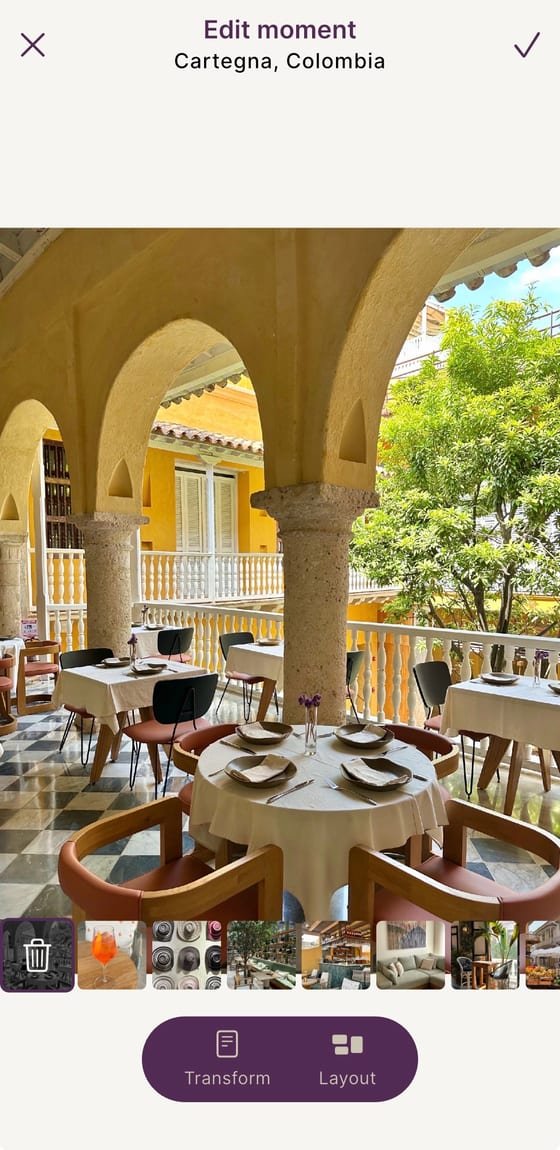
Made for social media formats
- Easily switch between formats
- Design up to 20 slides at once
- Preview and upload straight to social media
- One image flows seamlessly across every slide
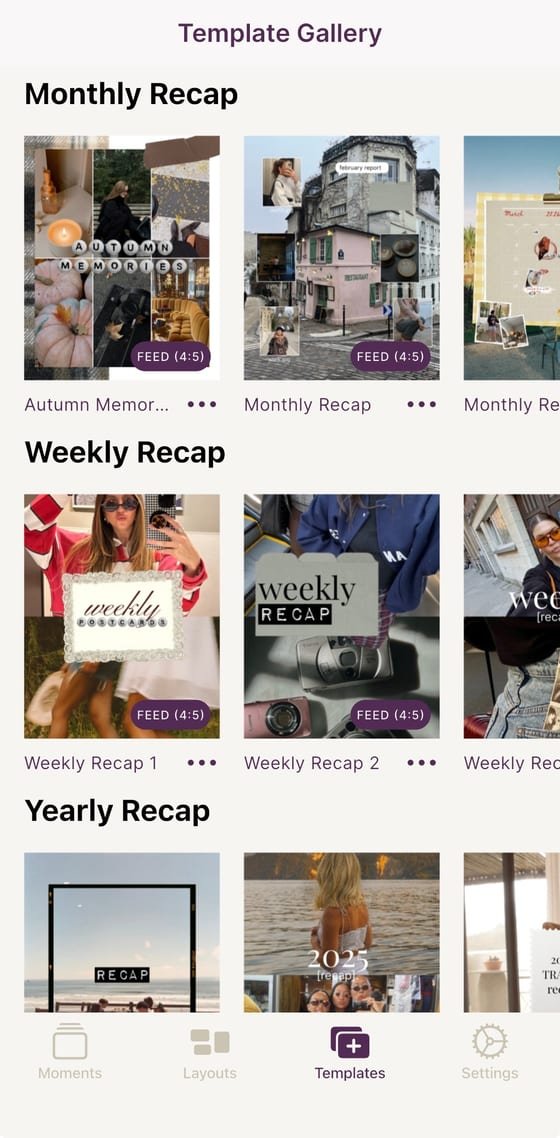
Captions and templates
- AI captions in any tone, only in Exposure
- Ready-made templates for every occasion
- Make many posts at once and customize each one
- Powered by a community of creators
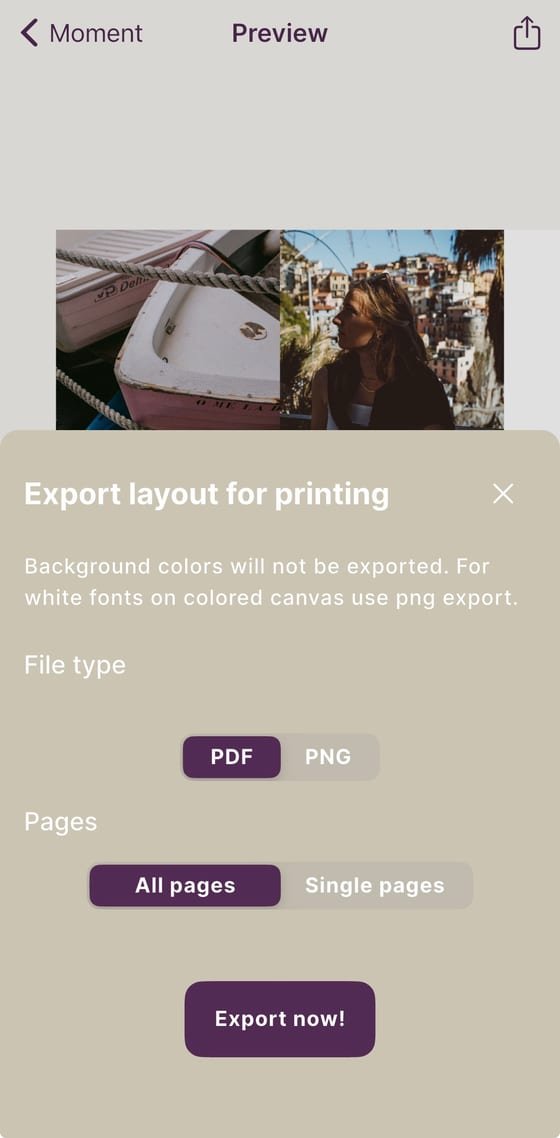
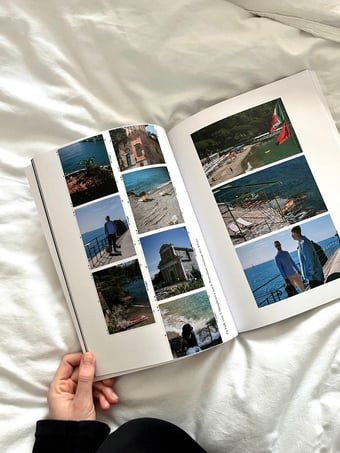
From feed to physical album
- Export print-ready PDF photo books
- Polaroid, film strip and paper frames
- Turn a year of posts into a real book
- No other carousel app does this
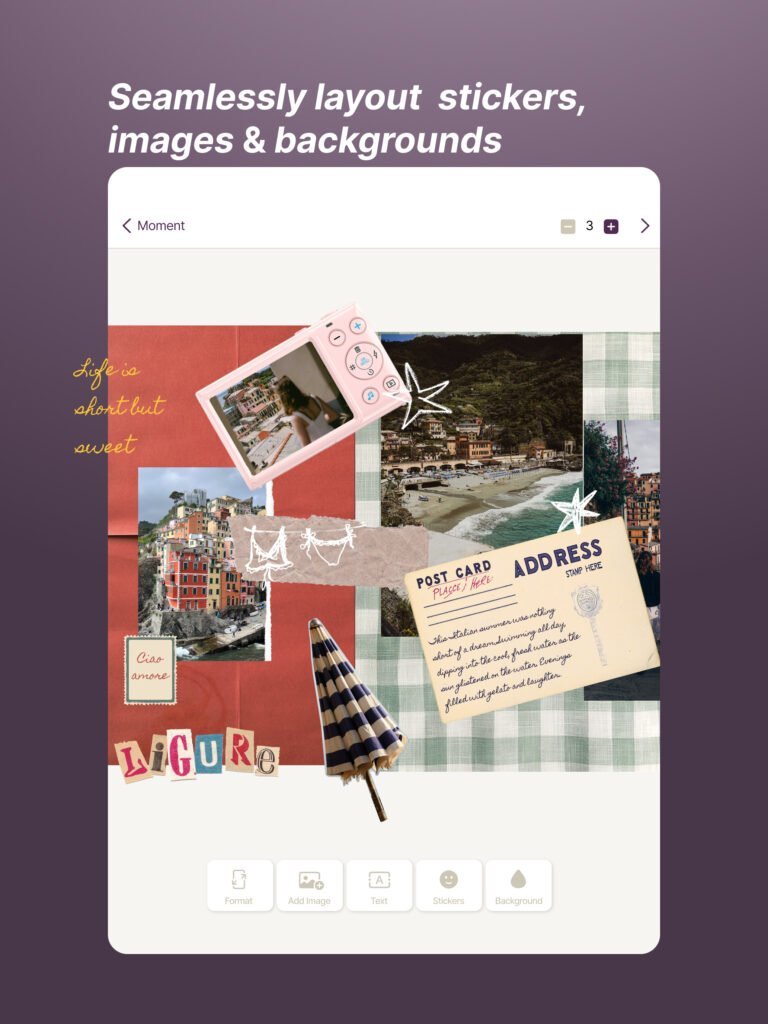
Just as powerful on iPad and Android tablets.
The same free app, with more room to work: lay out stickers, images and backgrounds precisely on a bigger screen.
Stories from people who use Exposure.
A few things people have made with it, including Instagram carousels and print-ready photo books.
Want to be featured? Tag us on Instagram
@toldwith.exposure →Real posts, made with Exposure.
Every layout below was published on Instagram. None of them are mockups.
Every tool you need.
Plus a few extras.
Everything you need in one app, plus a few things no other app has.
Seamless carousels
Up to 20 connected slides that flow as one image
AI captions
Write captions, stories & recipes in any tone
Photo books
Export print-ready PDF albums
Template library
Pre-built carousel and page templates to start from
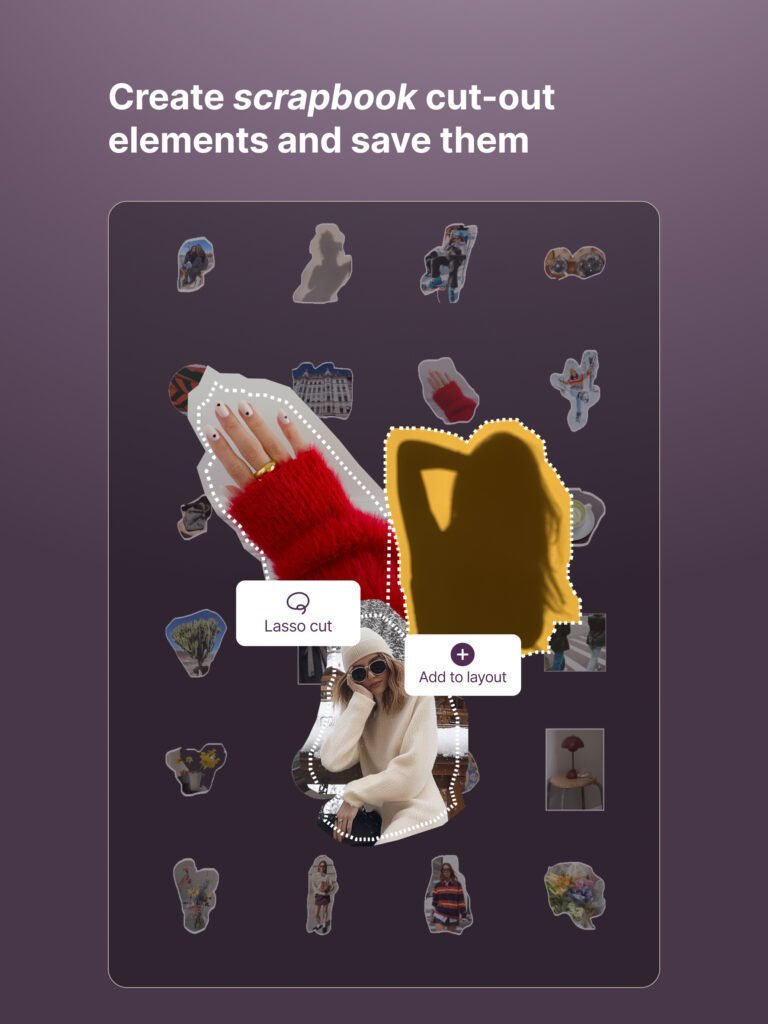
Sticker maker
Cut subjects out of your own photos
Sticker library
Hundreds of ready-made stickers to drop onto your layout
Photos
Add and adjust photos on the canvas
Variable fonts
Fine-tune type with a library of expressive fonts
Text layouts
Swap between styled text layouts: captions, timestamps, speech bubbles and more
Shapes
Add shapes and tweak size, color and position
Frames
Polaroid, film strip and paper frames
Grids
Grid templates or build your own layouts
Layers
Reorder, lock and snap layers precisely
Every format
1:1, 4:5, 9:16 and custom ratios for any platform
14 tools and counting. The closest competitor has fewer, and no AI captions or photo books.
Built-in templates for the moments you already have.
Pick a recap template, drop in your photos, export. You don't have to design anything from scratch.
Monthly Recap Layouts from the App
A selection of the layouts in the app.
Pick a layout and swap in your own photos and customize it, or start from a blank canvas and use the creative library: stickers, fonts, shapes and frames.
How Exposure compares to your other tools.
| Feature | Exposure | Competitor 1 | Competitor 2 | Competitor 3 |
|---|---|---|---|---|
| Free to start (no paywall to create) | ||||
| Up to 20 connected slides | ||||
| Seamless multi-page canvas | ||||
| Print-ready PDF photo books | ||||
| AI caption writer (in-app) | ||||
| Custom sticker maker | ||||
| Mobile-first workflow | ||||
| No watermarks (free tier) |
Free download.
No watermarks.
Most of Exposure is free to use forever. Premium templates, fonts and unlimited exports are available through Exposure Suite. Nothing you export gets a watermark.
Free
- 4 slides per layout
- Core templates & fonts
- 3 trial tokens for Suite features
Suite Weekly
- Full 20-slide canvas
- All templates & fonts
- Frames & grids
- Unlimited exports, no watermarks
Suite Yearly
- Full 20-slide canvas
- All templates & fonts
- Frames & grids
- Unlimited exports, no watermarks
Prices shown in USD, billed via the App Store / Google Play. Actual price varies by country.
Learn how to create.
How to create a seamless Instagram carousel
How to make a seamless Instagram carousel in 2026: the best format (3:4 or 4:5), slide count, alignment, profile-grid cropping and posting in order.
4 min readHow to make a photo dump for Instagram and TikTok
How to make a photo dump for Instagram or TikTok: pick photos from one stretch of time, start from a template or an empty layout, arrange several photos per slide and post it as a carousel.
5 min readHow to make your Instagram year in review
How to make an Instagram year in review carousel in Exposure: write one line per month, turn it into recap text with AI, fill a yearly recap template and post it as a carousel or photo book.
4 min read6 ways to use stickers in your carousel posts
6 ways to use stickers in Instagram carousel posts: match elements in your photos, add one-liners, build a what's-in-my layout, make a calendar recap, cut out your own stickers and add caption stickers.